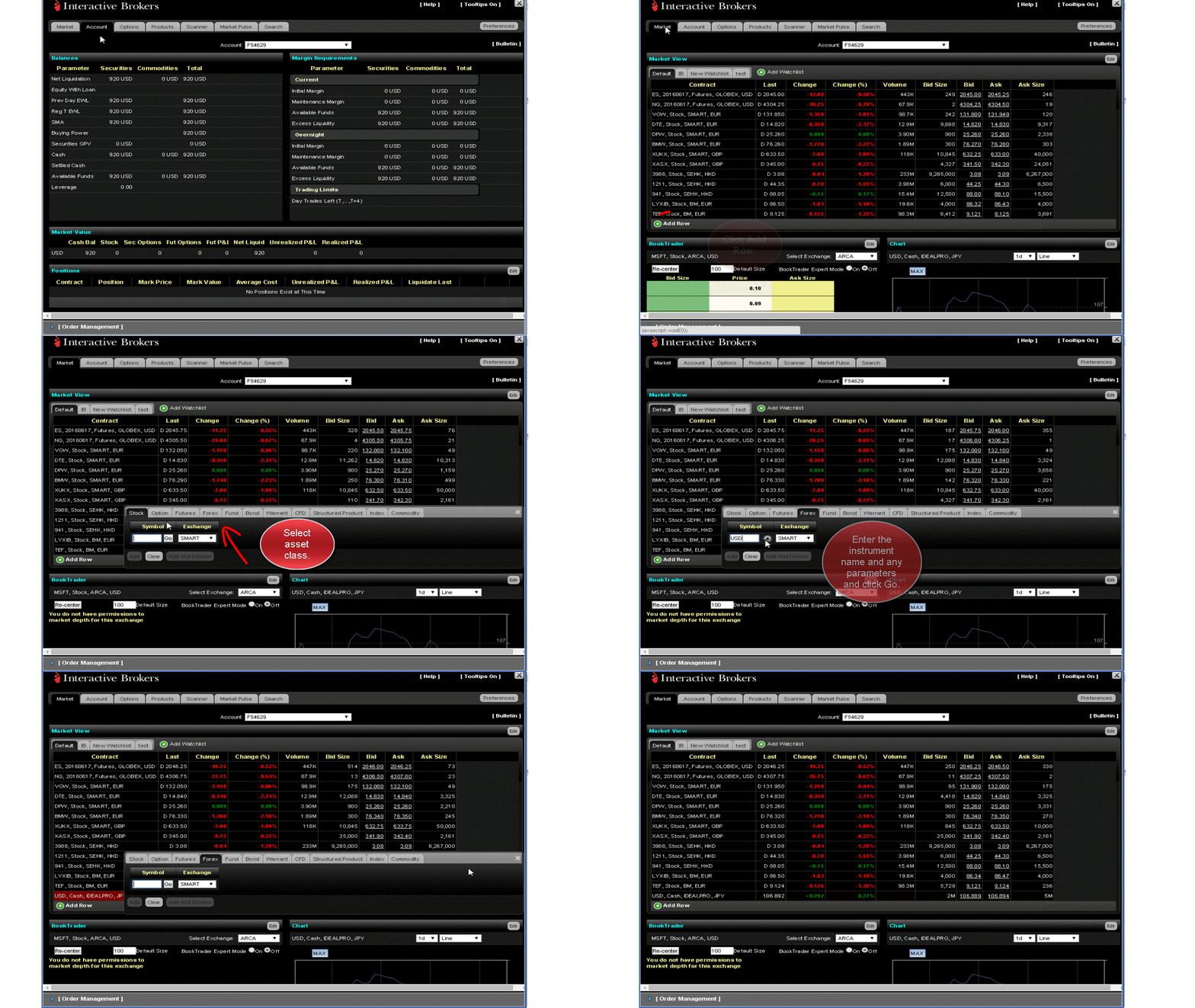
You view market data by adding tickers to the Market View on the Market page. There are two ways to add tickers to the Market View:
For more information, see the WebTrader Users' Guide.
Note: If you have a lot of ticker rows showing, you can display more of them on the screen by collapsing the Order Management Panel.